Guide
Claude Code vs AI editors: terminal agent or desktop window?
Claude Code is a coding agent from Anthropic that you run in a terminal. AI editors such as Cursor and Arcwright put the assistant inside a desktop window with a file tree, an editor and a diff view. Both can read your project, change files and run commands. This guide explains the real differences so you can pick, or use both. Details of other products change quickly, so check their own documentation for current features and pricing.
The core difference: where you work
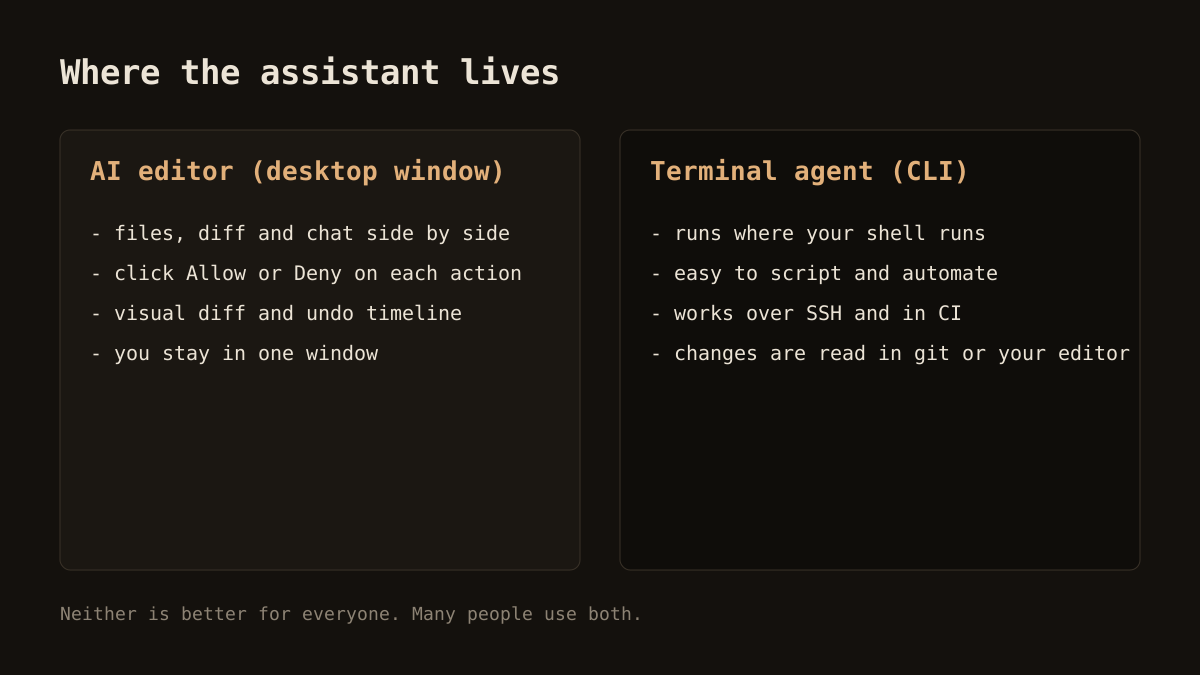
A terminal agent lives in your shell. You describe a task, it reads files, edits them and runs commands, and you review the result with git or your usual editor. An AI editor keeps the conversation, the files and the diffs in a single window. Neither approach is more advanced. They optimise for different habits.
Where a terminal agent shines
- Scripting and automation. A command-line tool can be called from scripts and from continuous integration.
- Remote machines. If you work over SSH on a server, a terminal agent goes where you go.
- Editor freedom. You keep whichever editor you already love. The agent does not care.
- Large, multi-step tasks. Agents built for long runs can plan, edit and test across a repository with little supervision.
- Cross-platform. Terminal tools generally run on macOS, Linux and Windows.
Where an AI editor shines
- Seeing the change. A visual diff next to the file is easier to read than terminal output, especially for beginners.
- Context without pasting. The open file and your selection go with the question automatically.
- Approving actions with a click. A prompt with Allow and Deny is quicker than reading a permission request in a shell.
- Small inline edits. Selecting lines and describing a change is faster than writing a task for an agent.
- Visible undo. A timeline of AI changes is easier to navigate than a series of commits.
Comparison at a glance
| Question | Terminal agent | AI editor |
|---|---|---|
| Interface | Command line | Desktop window with editor |
| Reading changes | Git diff or your own editor | Built-in diff view |
| Best for | Automation, remote work, long tasks | Interactive editing and review |
| Approval style | Prompts in the terminal | Buttons in the app |
| Your existing editor | Kept as is | Replaced or supplemented |
These are tendencies, not rules. Terminal agents can show diffs, and editors can run long agents.
Cost and control
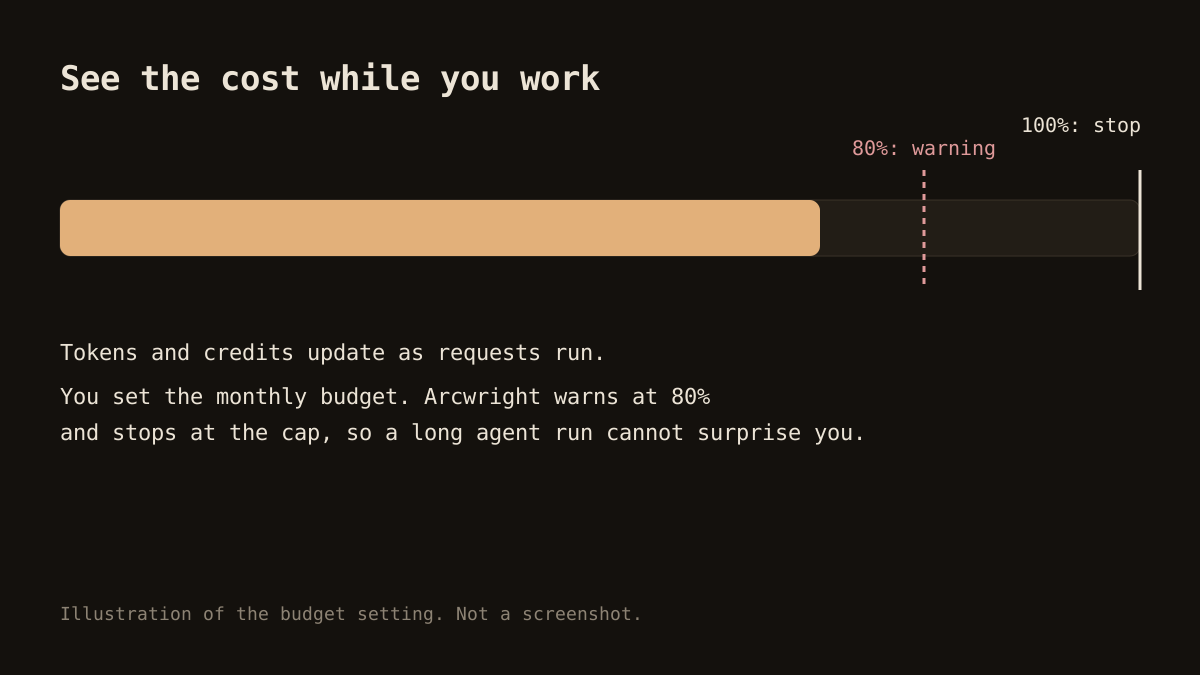
Agents can use a lot of tokens on long tasks. Whichever tool you pick, look for a usage display and a way to cap spending. In Arcwright, a meter shows tokens and credits as you work, and a monthly budget warns at 80% and stops at the cap. Ask the same question of any alternative before you rely on it for long runs.
Safety: who decides what the agent may do?
Any agent that can edit files and run commands needs a permission policy. Ask three things. Is the check made by the app or left to the model? What is the default: ask first, or act? How fast can you stop a run? In Arcwright, Forge's permission check runs in the app rather than in the model. The default is to ask before a write, a delete or a command, and Ctrl+Alt+Shift+H halts a run at once. Every action is written to an activity log.
Can you use both?
Yes, and many people do. A sensible split: use an editor for day-to-day work where you want to see and approve changes, and a terminal agent for scripted jobs, remote machines or big refactors you plan to review afterwards in git. They do not conflict, since both end up as ordinary changes to your files. If you use both, commit before a session so you can compare cleanly.
Where Arcwright fits
Arcwright is an editor, so it belongs in the second column. It is a Windows desktop app with four modes: Ask, Forge, Blueprint and Sketch. We built it for people who want the AI to show its work. It is not a replacement for a terminal agent in CI or over SSH, and it is Windows only for now: macOS and Linux builds are not ready.
The Free plan gives you 30 minutes of Arcwright AI a day with no card, so you can try it on a real task. For a wider comparison, read Cursor alternatives and the best AI coding editors, or go straight to the download page.
A note on models
The tool and the model behind it are separate choices. A terminal agent and an editor can both use strong models, and quality on your task depends on the model, the prompt and the context the tool gathers. When you compare, compare on the same task rather than on the logo. Also check whether the tool lets you pick the model, and what each choice costs, because that is often the biggest factor in your bill.
How to decide
- If you live in the terminal and work on remote machines, start with a terminal agent.
- If you want to see diffs and approve actions in a window, start with an editor.
- If you are new to coding, an editor with clear diffs and undo is gentler.
- If you are unsure, run one small task in each and compare time, cost and how much you trusted the result.